

Statuses
What this is
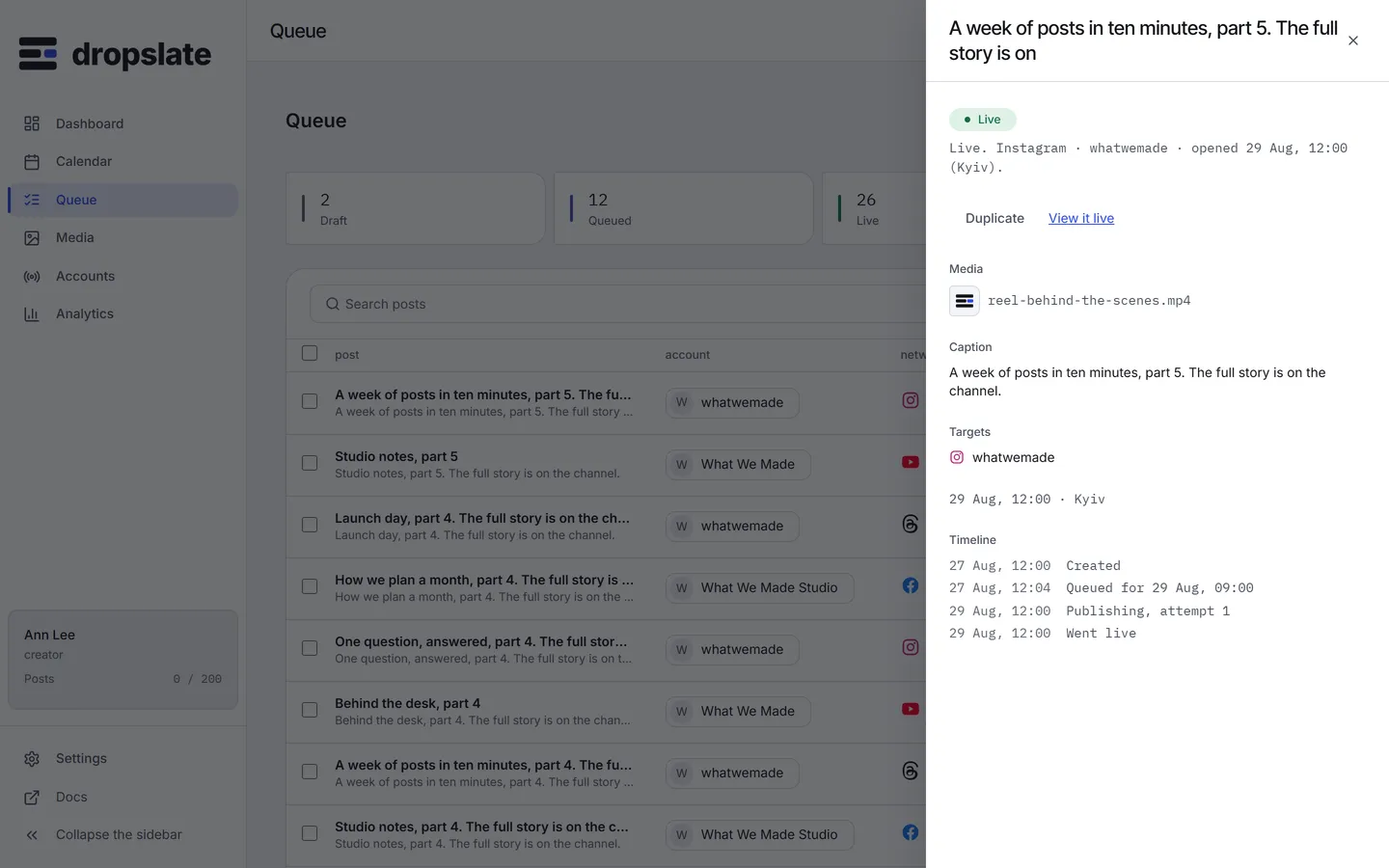
Section titled “What this is”A post has exactly one of four statuses, everywhere - the dashboard, the API and MCP agree on the same four strings. There is no “pending,” “published” or “error” status anywhere in Dropslate; if you see a status that isn’t one of these four, it’s a bug.
| Status | Meaning |
|---|---|
draft |
Created but not scheduled - no time set, or taken off the queue by cancel. |
queued |
Has a time, waiting for the worker to send it. |
live |
Sent successfully; carries a link to the network’s own copy. |
failed |
The network rejected it at send time; carries the network’s response verbatim. |
Transitions
Section titled “Transitions”draft → queued: give it a time (schedule it).queued → draft: cancel - takes it off the queue without deleting it.queued → liveorqueued → failed: decided by the network’s own response when the worker sends it.failed → queued: retry - sends it again.
There is no path back out of live - a post that published cannot be un-published from Dropslate; delete or edit it on the network directly if needed.
Common errors
Section titled “Common errors”| Error | Cause | Fix |
|---|---|---|
Post stuck on queued past its time |
Worker backlog, or a token that needs reconnecting. | Check the account’s connection status in Settings → Accounts; otherwise it will send shortly. |
failed immediately after queued |
The network rejected the request at send time (caption, file or permission issue). | Open the post for the network’s message verbatim, fix the cause, then retry. |