

Calendar
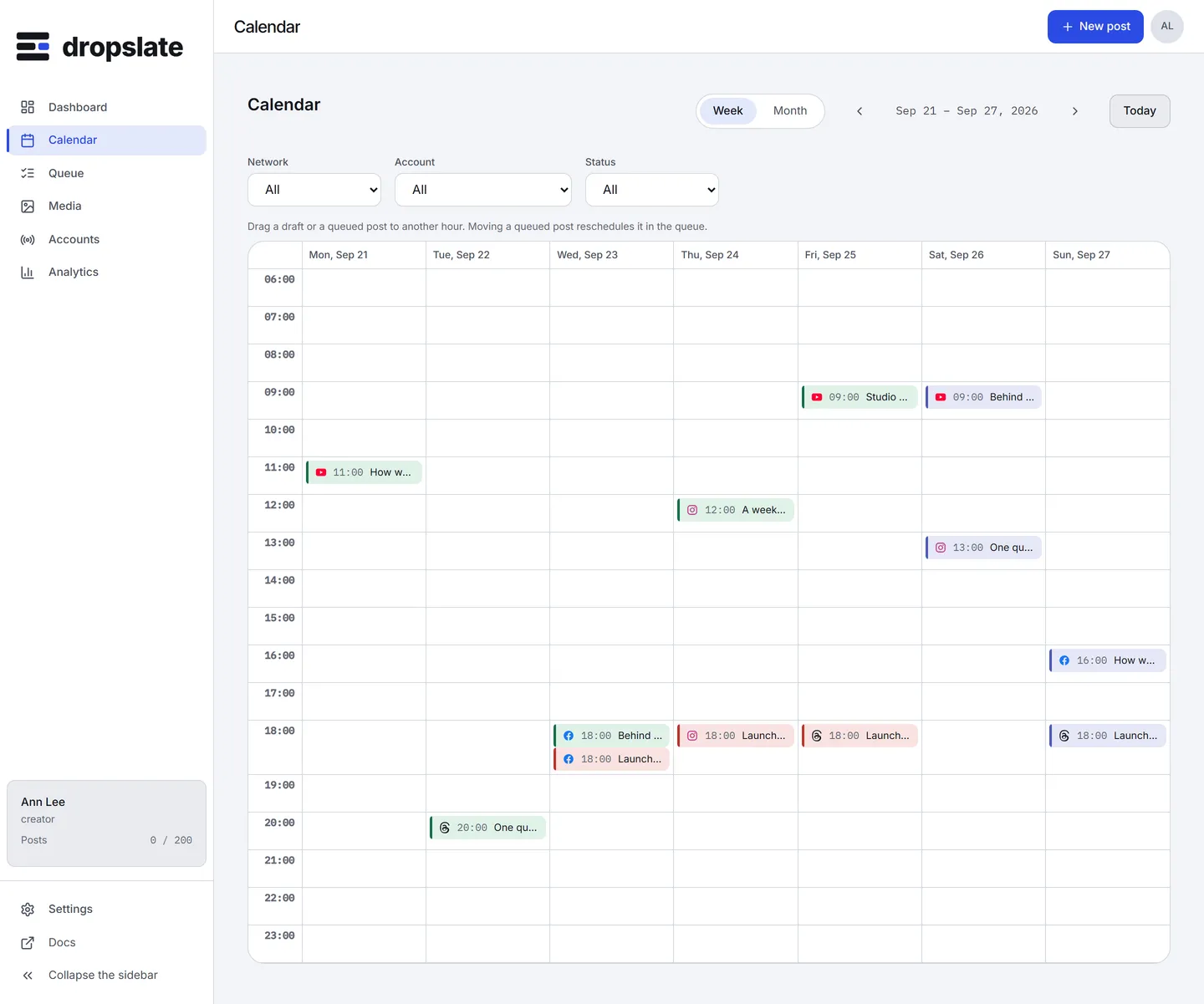
The Calendar lays every post out by its time - a month grid by default, a week grid with hours on request. It shows the same posts as Queue; opening, retrying or rescheduling one here is the same change. Drafts without a time do not appear on the grid until they are given one.
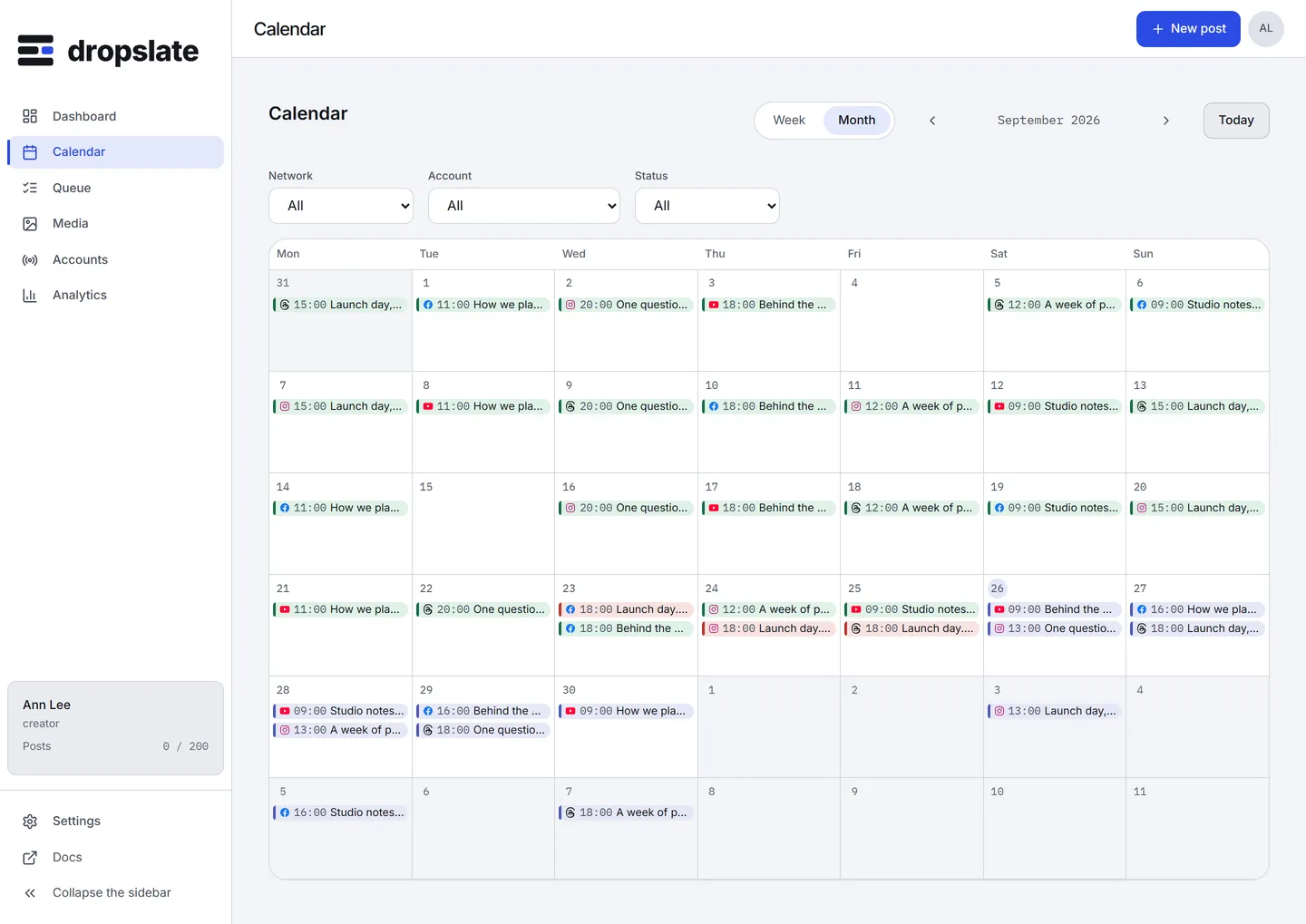
What is on the screen
Section titled “What is on the screen”- View toggle and Today (top right) - Week or Month; Today jumps back to the current period. The view is also in the URL (
?view=week), so a link opens the view you meant. - Filters (above the grid) - Network, Account, Status, and Clear filters. They apply on the client to the posts already loaded and live in the URL too.
- The grid - each post as a pill with its network mark, time, title and status colour. A day with more posts than fit shows +N more; opening the day lists them all.
- Add a post at a time - clicking an empty slot opens a small dialog: give a draft that is waiting for a time this slot, or start a new post at it.
- Post drawer (right side, on click) - status, targets, the timeline of events, the network’s response, View it live, and Retry, Cancel, Reschedule or Duplicate depending on the state. The drawer is addressed by
?post=<id>in the URL, so a link to a post opens straight into it.
Actions
Section titled “Actions”| Action | Where | What happens |
|---|---|---|
Drag a draft or queued post to another slot |
The grid | A draft takes the time and becomes queued; a queued post asks for confirmation, then is rescheduled in the queue. live and failed posts do not move - a sent post’s time cannot change. |
| Click an empty slot | The grid | Add a waiting draft here, or start a new post at this time. |
| Retry, Cancel, Reschedule, Duplicate | The post drawer | The same actions as in Queue; see Retry & cancel. |
| Filter | Above the grid | Narrows the grid; the filters are shareable through the URL. |
- Times are the workspace’s time zone, shown in Settings → Workspace; a member in another zone sees the same clock - Time zones.
- A range with more posts than the view can draw shows “Showing N of M in this range”; narrow the filters, or use Queue.
- The Calendar needs a wider screen; on a phone it points you to Queue.
Related
Section titled “Related”- Queue - the same posts as a list, with bulk actions.
- Plan your first week
- Post statuses