

API keys
What this is
Section titled “What this is”A key is a bearer credential for the REST API and MCP over stdio, scoped to read or read + write. Managing keys - creating or revoking one - requires a signed-in browser session; a key can never be used to create or revoke keys, including itself, so a single leaked key cannot escalate into every credential on the workspace.
Create a key
Section titled “Create a key”Settings → API keys → New key. Name it for what it’s for (which integration or agent), and choose its scopes. The full key (ds_live_...) is shown once, immediately after creation - copy it now, because the server stores only its hash and a short prefix afterward and cannot show it again.
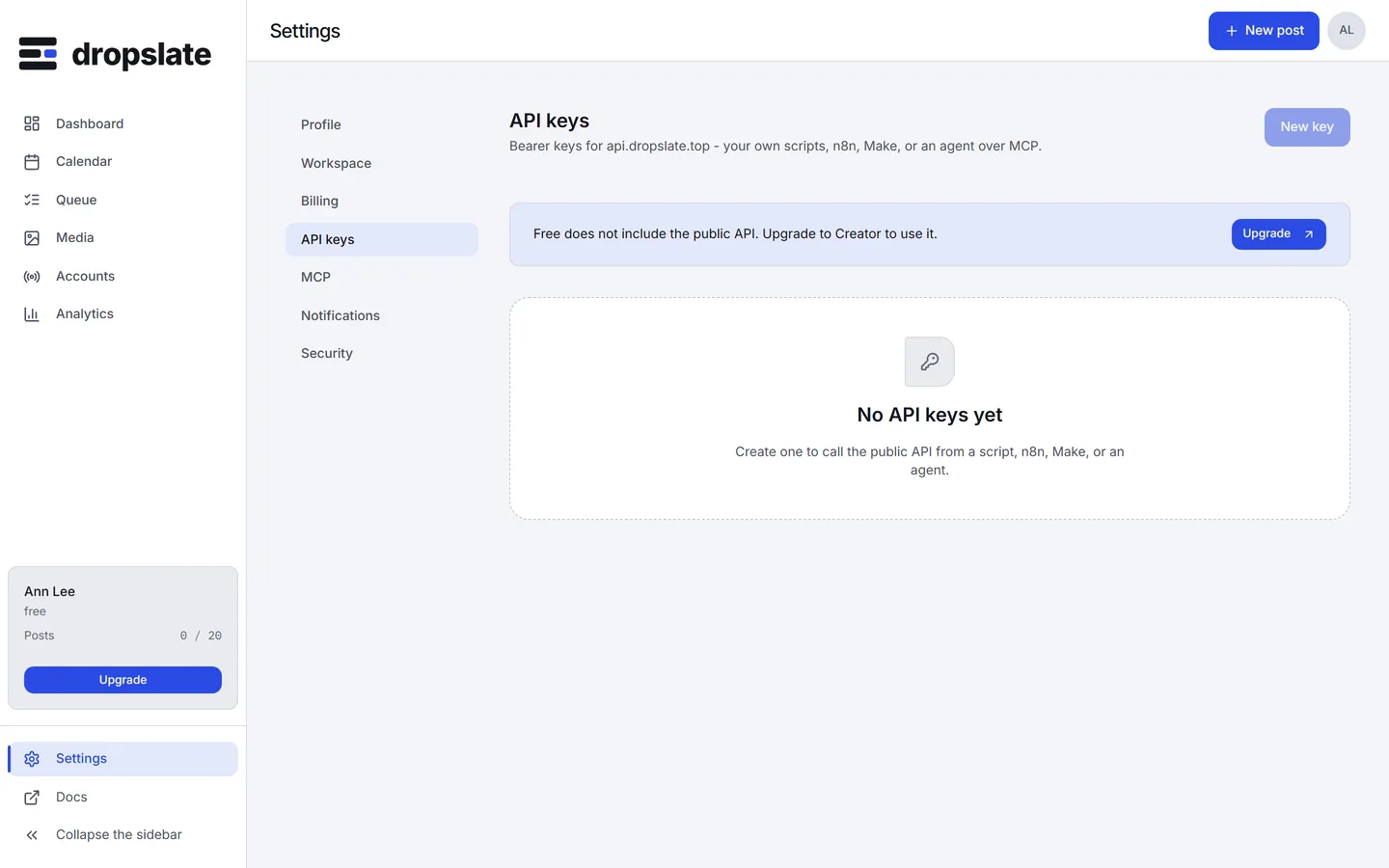
See what a key can do
Section titled “See what a key can do”The list in Settings → API keys shows each key’s name, prefix, scopes and last-used time - enough to tell keys apart and notice one that’s gone stale, without ever displaying the full key again.
Revoke a key
Section titled “Revoke a key”Settings → API keys → Revoke next to it. Effective on its very next request - already-open connections using it are not retroactively torn down, but any new call fails unauthenticated.
Common errors
Section titled “Common errors”| Error | Cause | Fix |
|---|---|---|
| Full key not shown after creation | Expected - it’s shown exactly once, by design. | Create a new key if the old one was lost before being copied; the old one still works until revoked. |
session_required when calling /api-keys with a key |
Key management needs a signed-in session, not a key. | Manage keys from the dashboard, signed in. |
unauthenticated right after revoking |
Expected - revocation is effective on the very next request. | Create a new key if this integration still needs one. |