

Media library
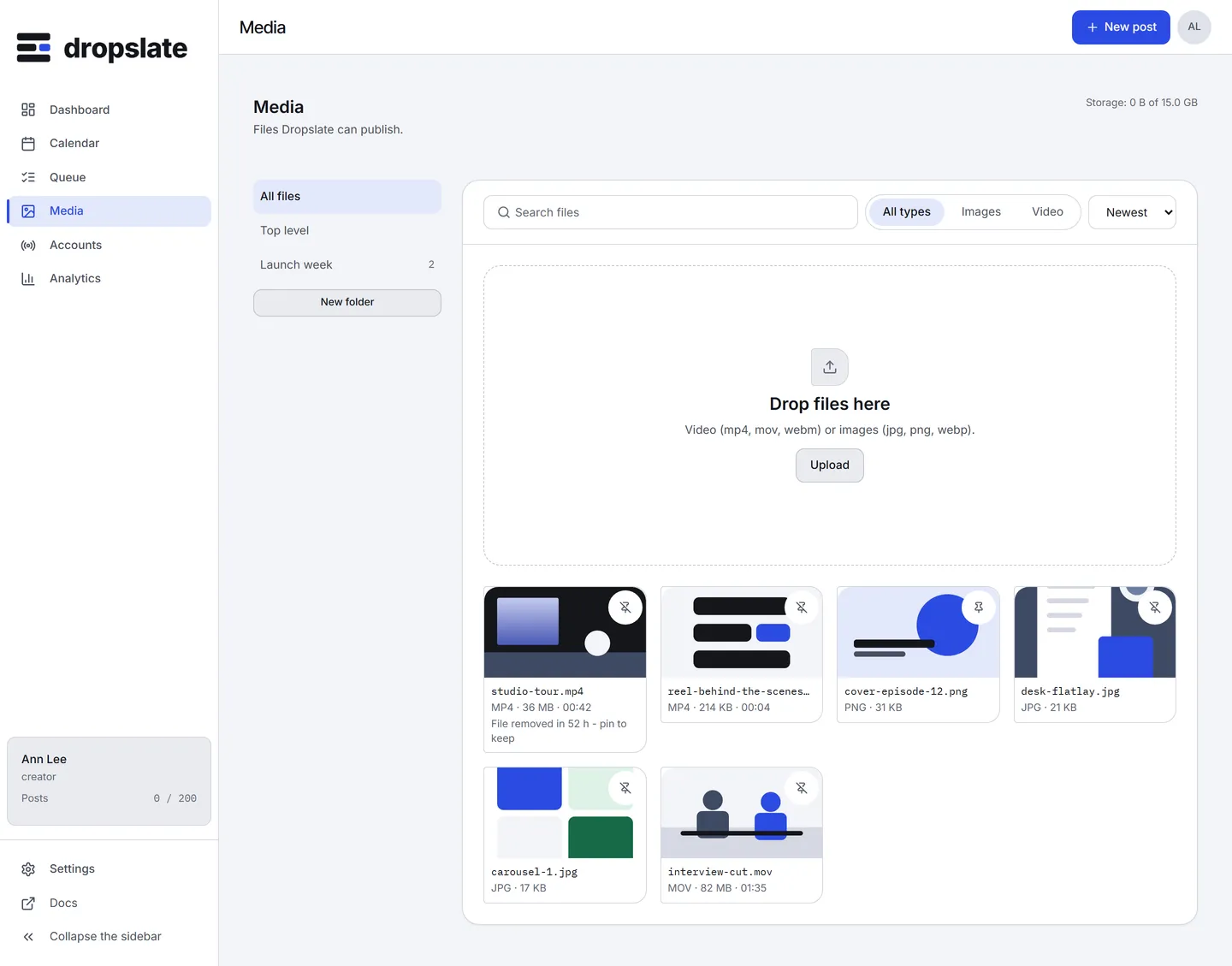
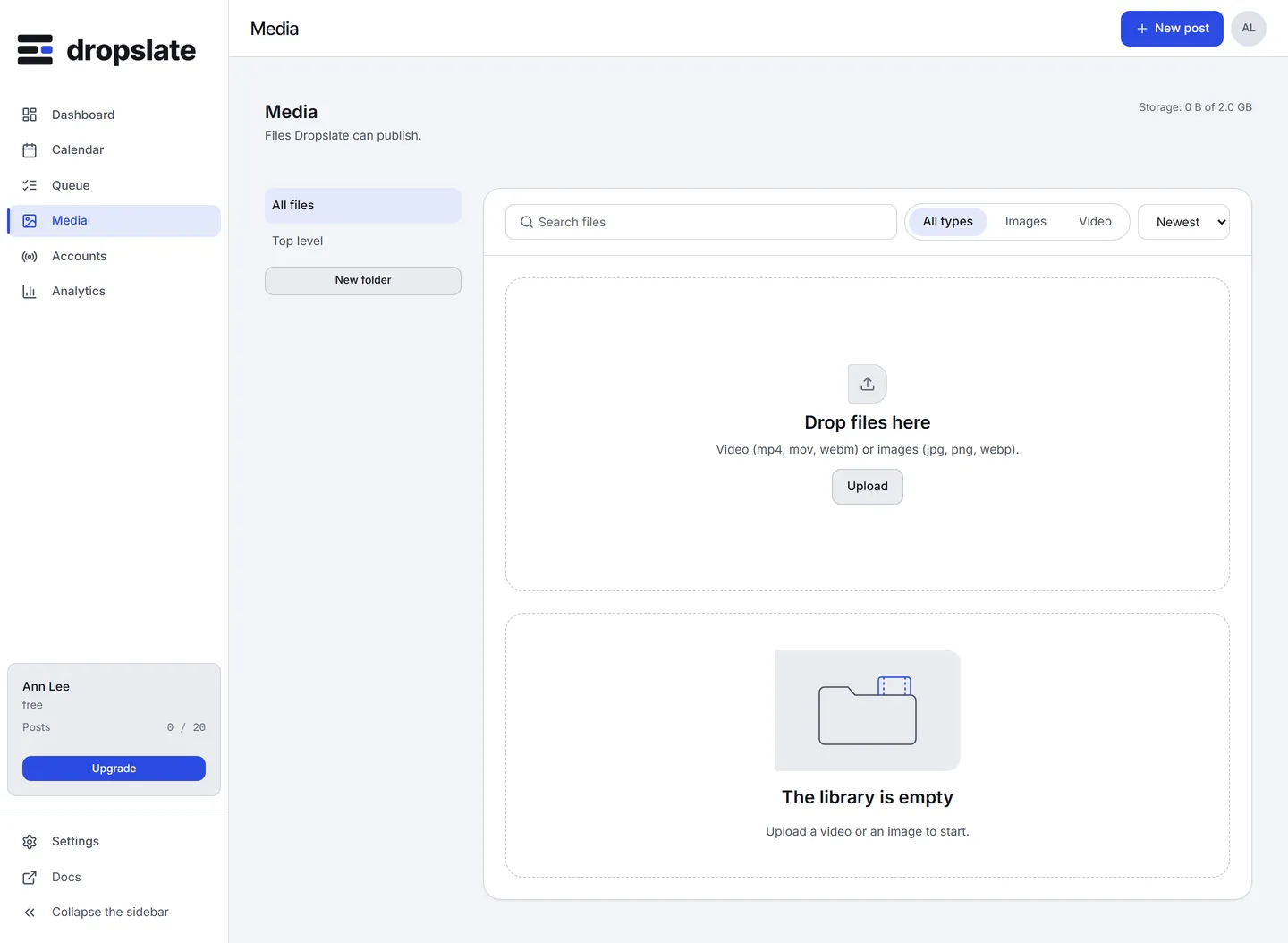
Media holds every file the workspace can publish. A file lands here first, gets an id and a status, and is only ever referenced by that id afterwards - a post never carries bytes. The screen is a grid of files with folders on the left, an upload drop zone, filters and sorting, and a details pane per file.
What is on the screen
Section titled “What is on the screen”- Folders (left) - All files, Top level, then your folders; New folder creates one. Folders nest; a file is in exactly one.
- Drop zone and Upload (top) - drop files anywhere on the page, or click Upload. Video (mp4, mov, webm) or images (jpg, png, webp). Several files upload at once; a counter shows “Uploading 2 of 5”.
- Filters and sort (under the drop zone) - Type (all, images, video), Sort (newest, oldest, largest, name), and search by name.
- The grid - a thumbnail per file with its status while it is not yet
ready: Uploading, Processing, Failed. A published file shows File removed in N h - pin to keep during its last 72 hours, and File removed after publishing afterwards. - File details (on click) - name, type, dimensions or duration, size, when it was added, folder, tags, Pin, New post with this file, Delete, and Why it failed for a failed file.
Actions
Section titled “Actions”| Action | Where | What happens |
|---|---|---|
| Upload | Drop zone, Upload | The file goes uploading → processing → ready; a video’s duration and thumbnail are read during processing. |
| New post with this file | File details | Opens Compose with the file already on the Media card. |
| Pin / Unpin | File details | A pinned file is never removed after publishing; it still counts toward storage. |
| Move to a folder, add tags | File details | Organises the library; Folders & tags. |
| Delete | File details | Removes the file for good. Posts that already went out keep their copy on the network; a queued post that uses it fails its plan check. |
Uploading from elsewhere
Section titled “Uploading from elsewhere”The same library is filled from outside the browser: POST /media/uploads returns a one-time upload URL to PUT the bytes to, POST /media/from-url imports a public https URL, and the MCP tools dropslate_create_upload and dropslate_upload_from_url do the same - which is how Claude Code or Claude Cowork sends a file from your computer. Uploading has the details.
The 72-hour rule
Section titled “The 72-hour rule”Once a post with a file goes live, the network holds its own copy. Dropslate keeps the bytes for 72 hours - enough to repost or duplicate without uploading again - and then removes them from the server, on every plan. The file’s row stays with its name, size and duration and the mark File removed after publishing; the removed bytes stop counting toward storage. A pinned file, and a file a draft or a queued post still uses, is kept. Retention.
- Upload the week’s files in one go; they process in parallel while you write.
- The storage meter in Settings → Billing and the profile popover counts every file still on the server, pinned or not.
- A file that failed processing says why in its details; the usual cause is a format the kind does not accept.
Related
Section titled “Related”- Uploading, Folders & tags, Retention, Limits
- Media requirements - what each network accepts.