

Compose
Compose is where a post is written: one base text that goes everywhere, a tab per network with only the fields that network accepts, live checks while you type, and a plan you confirm before anything is created. It opens from New post on any screen, from a Calendar slot, from a file in Media (New post with this file) and from Duplicate on an existing post.
What is on the screen
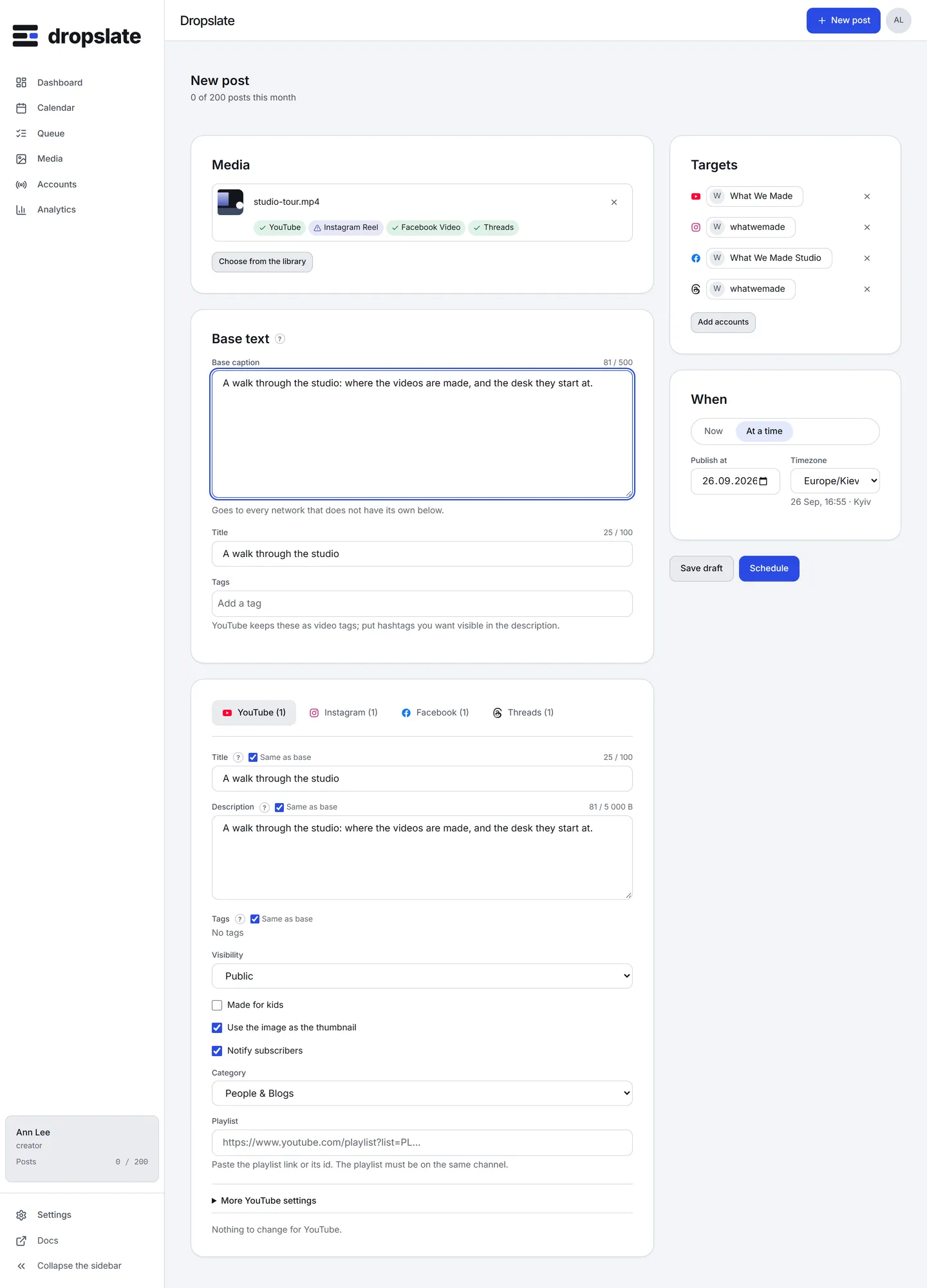
Section titled “What is on the screen”- Media (top left) - the chosen files with shape, duration and size. Under each file, one verdict chip per target network: fits, shows with changes (a 16:9 video in a Reel slot gets black bars) or will not go out (an image of 2.2:1 for an Instagram feed post). Clicking a chip shows the full message. A crop preview shows how the active network frames the file.
- Base text and Tags (left, middle) - the caption every network gets, with a counter, and tags. YouTube keeps tags as video tags; Instagram and Facebook write them into the caption as hashtags; Threads takes one topic instead.
- Network tabs (left, lower) - one tab per network among the targets, with the number of accounts. Each shows only that network’s fields. Description, Title and Tags have a Same as base toggle, on by default; switching it off copies the base value into the field so you edit rather than start over.
- Targets (right, top) - accounts and groups; picking a group selects all its accounts. Add accounts opens the picker.
- When (right, middle) - Now, or At a time with a date and time in the workspace’s time zone.
- Save draft and Schedule (right, bottom, sticky) - a draft keeps everything without a time; Schedule opens the plan.
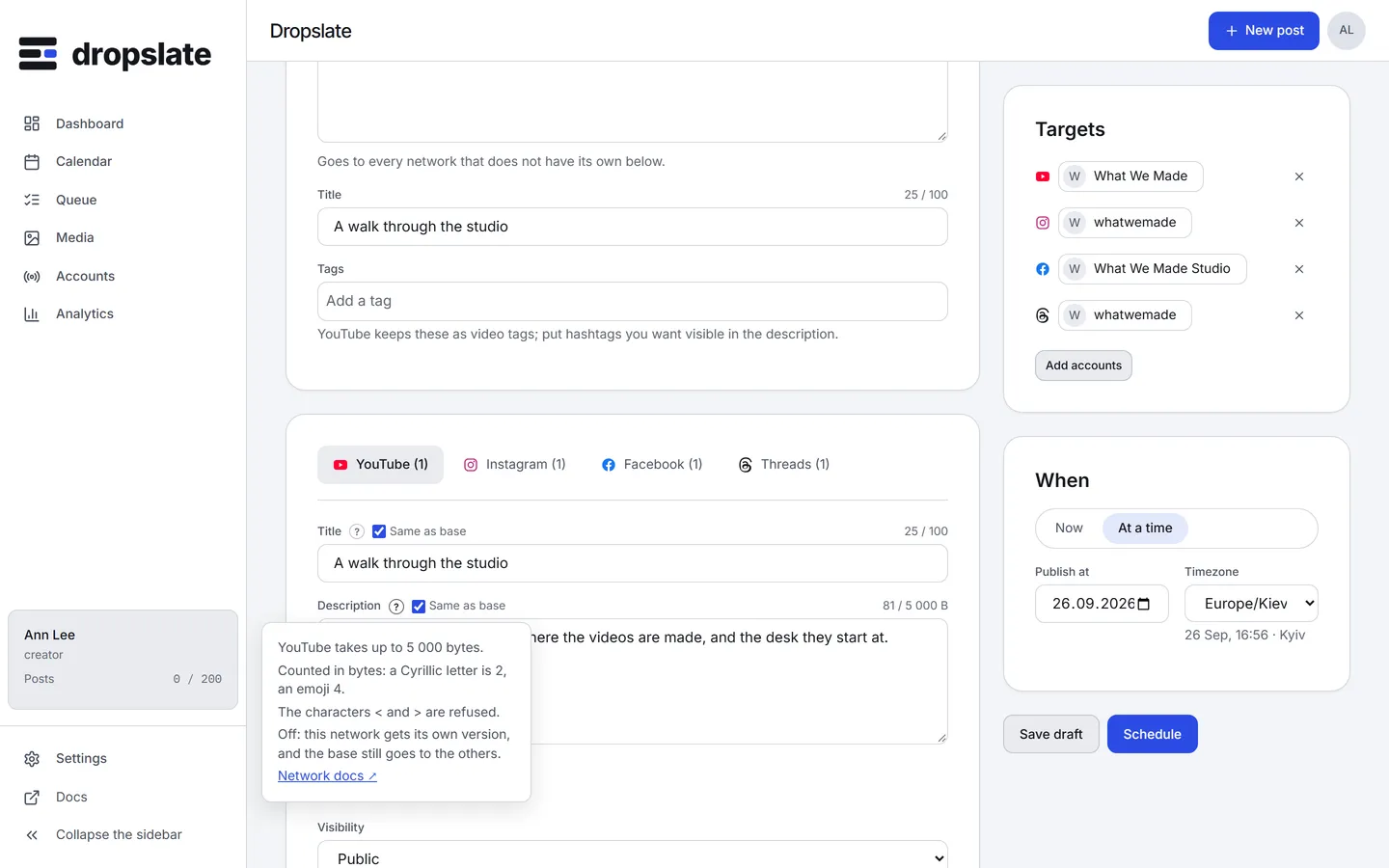
- Help tips - the ? next to a field shows that network’s rule (unit, limit, what is refused) with a Network docs link to the network’s own documentation.
What each tab holds
Section titled “What each tab holds”| Network | Fields |
|---|---|
| YouTube | Title, Description, Tags, Visibility (Public, Unlisted, Private), Made for kids, thumbnail, Notify subscribers, Category, Playlist; under More YouTube settings: languages, recording date, licence, embedding, public statistics, synthetic-media disclosure, paid promotion. A vertical video up to 3 minutes is marked as a Short. |
| Content type (Reel, Post, Carousel, Story), Caption, Collaborators (up to 3), Alt text, Cover frame, Share to feed. A Story hides the caption. | |
| Content type (Text, Photo, Video, Reel, Story), Message, Link (text posts), Title (videos). A Story hides the text. | |
| Threads | Text with a byte-aware counter, Topic, Link attachment (no file), Alt text. |
| TikTok (when the connector ships) | Title, Privacy (no default), duet, stitch and comment toggles, synthetic-content flag; for photo posts a description. |
The plan
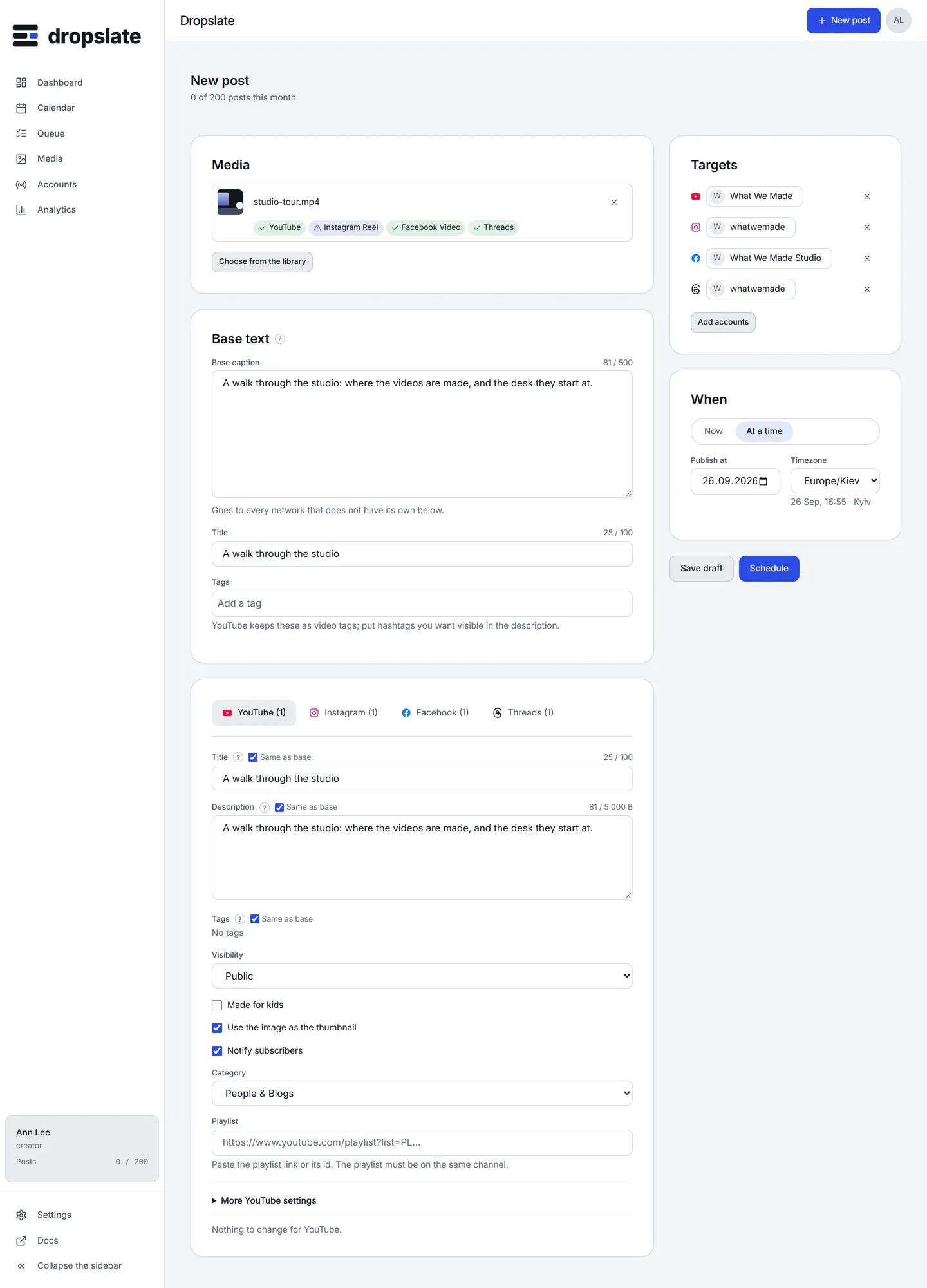
Section titled “The plan”Schedule opens the plan: one row per account with the network, the time and a check - ok, or the code and message of what would fail - and a line on the month’s quota (“46 of 50 posts this month. This asks for 2 more.”). Nothing is created until Confirm. Back returns to the form with the problem rows still marked. Schedule is disabled only when every target would fail; one failing row among several is shown, and confirming creates the posts that pass.
Actions
Section titled “Actions”| Action | Where | What happens |
|---|---|---|
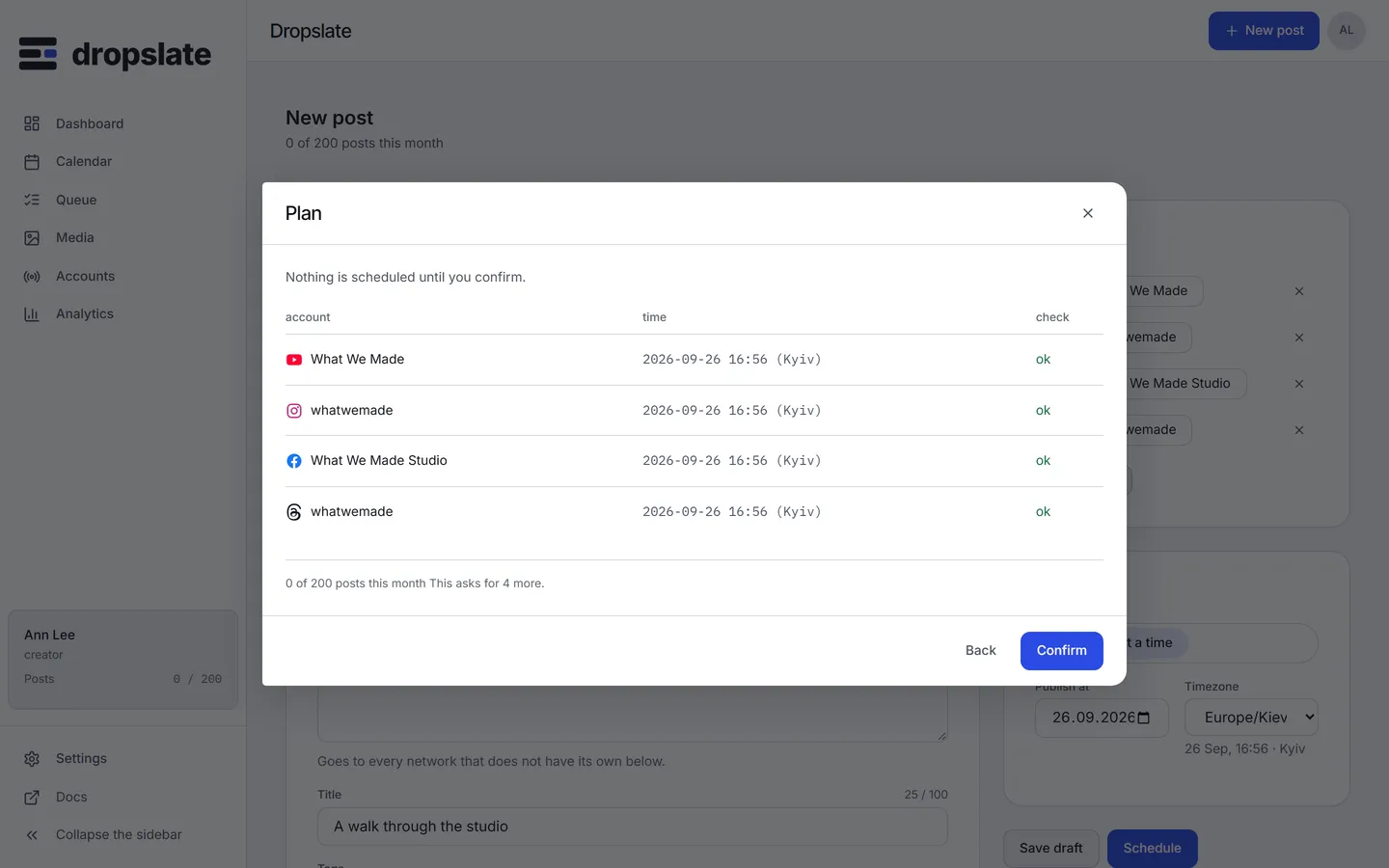
| Schedule / Publish now | Right, bottom | Opens the plan; Confirm creates one post per account, queued (or sent at once for Now). |
| Save draft | Right, bottom | Saves without a time; the draft is in Queue and can take a slot from the Calendar later. |
| Switch off Same as base | A network tab | That field becomes the network’s own; the request carries it in overrides. |
| Remove a file | The Media card | Drops it from the post; the file stays in the library. |
- The counters use the target network’s unit: characters, UTF-8 bytes (YouTube description, Threads with emoji) or UTF-16 units (TikTok) - Media requirements.
- The checks in the tabs are the same code the server runs in the plan; a green form and a green plan agree.
- The base text is checked against every target’s limit; the shortest limit among them (Threads at 500) is the one to watch.
Related
Section titled “Related”- Publish your first post
- Media requirements and the network pages under Connect accounts
- Groups & cross-posting