

Accounts & groups
Accounts has two sections on one page: the networks you can connect and the channels already connected, and below them Groups - named sets of accounts a post can target at once. Connecting, reconnecting and disconnecting happen here; nothing about accounts lives in Settings.
What is on the screen
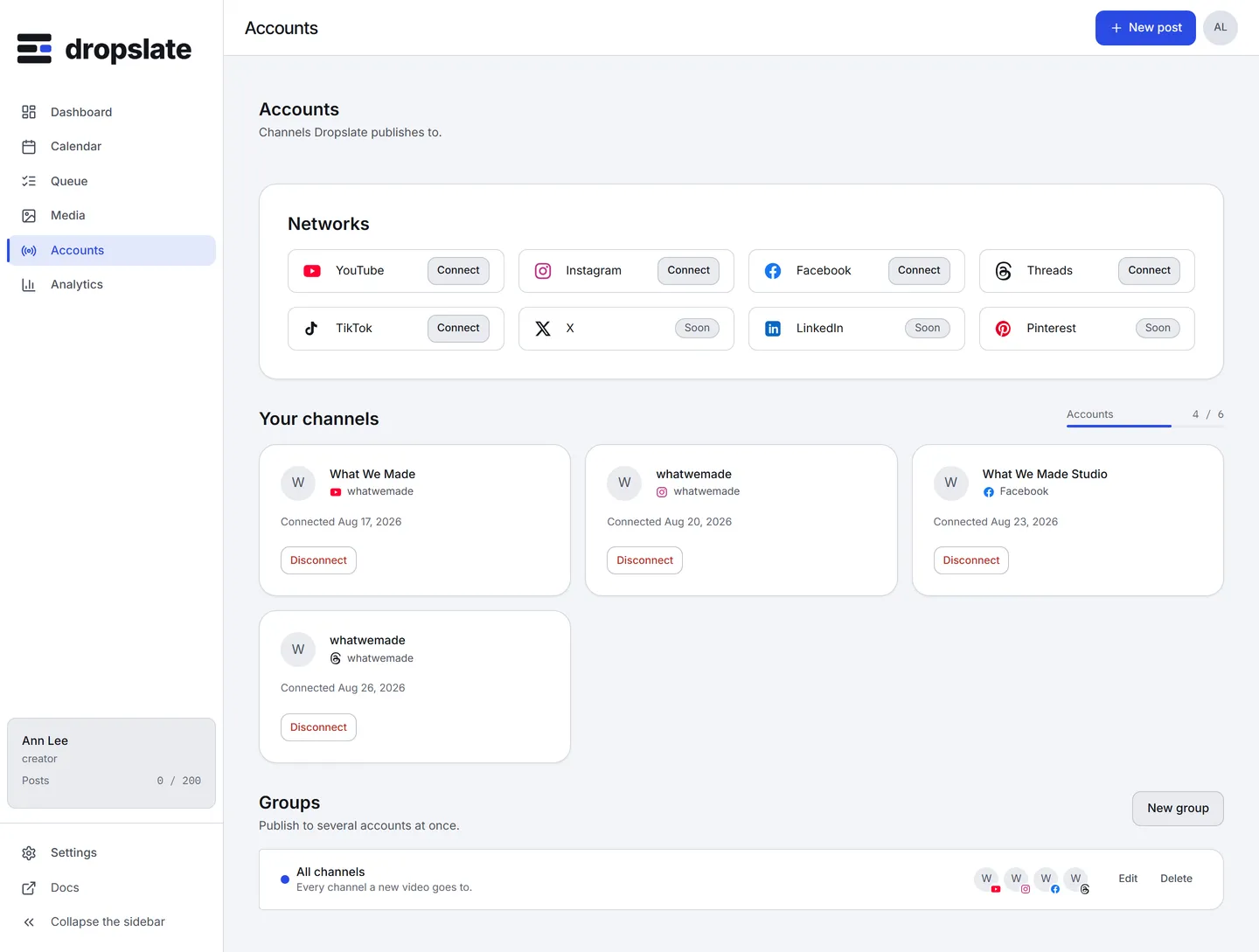
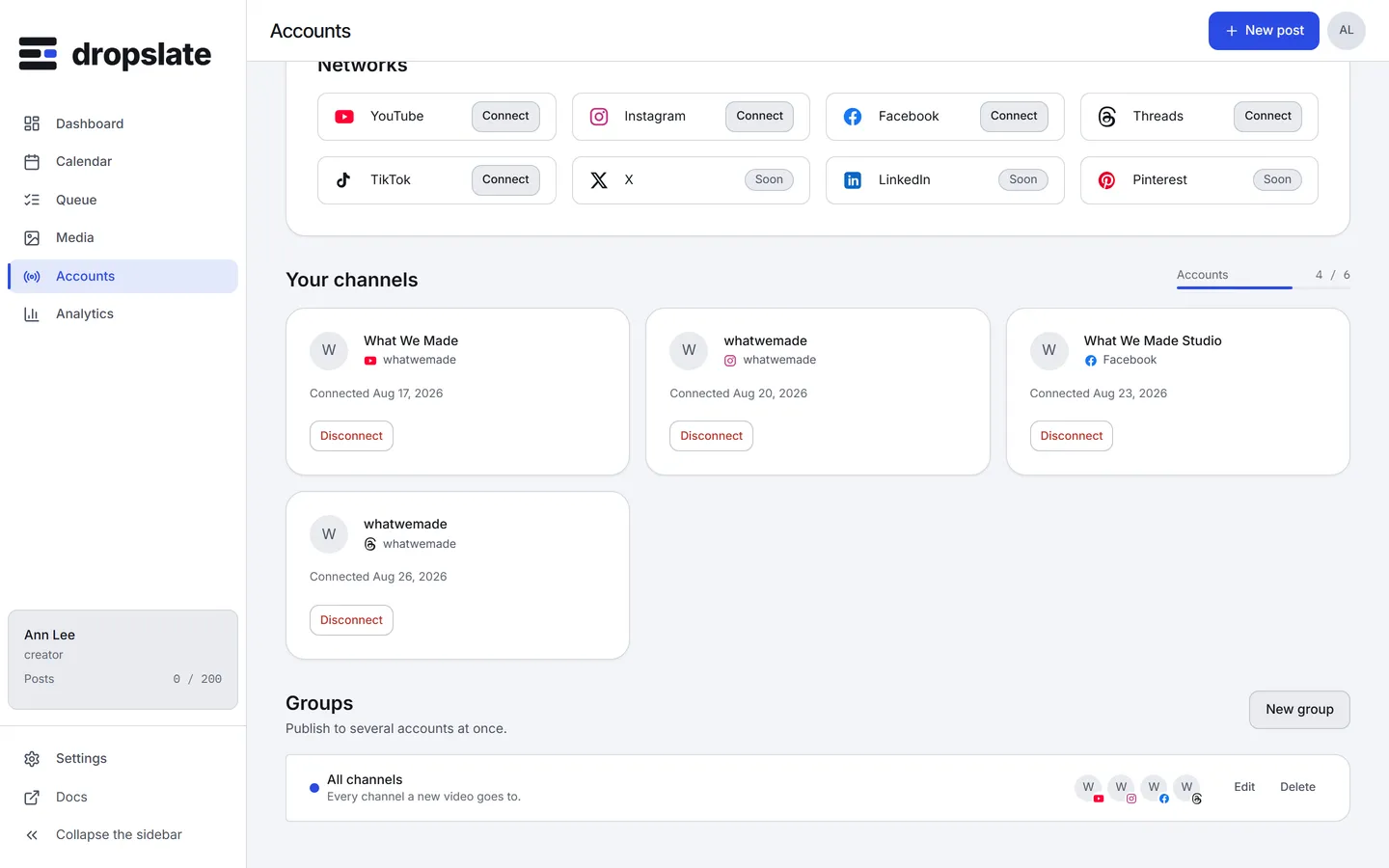
Section titled “What is on the screen”- Networks (top) - a card per network with Connect. TikTok, X, LinkedIn and Pinterest are marked Soon. A network you have already connected can be connected again for another channel or Page.
- Your channels - a card per connected account: avatar, name and handle, the network, Connected with the date, or Expired / Disconnected with a Reconnect button. The account meter next to the heading shows how many of the plan’s accounts are used.
- Groups (lower section) - “Publish to several accounts at once.” with New group; each group as a row with its colour, name, the accounts’ marks and avatars, and Edit / Delete. On Free the section shows a paywall: groups start on Creator Creator+.
Actions
Section titled “Actions”| Action | Where | What happens |
|---|---|---|
| Connect | A network card | The network’s sign-in and consent screen, then back with the channel listed - How connecting works. |
| Reconnect | An expired or disconnected channel | Repeats the sign-in for the same channel and replaces the token; the account id, its groups and its posts are kept. |
| Disconnect | A channel’s menu | Deletes the stored token at once and asks the network to forget the connection. Posts that already went out stay; queued posts to it go back to drafts. Asks first. |
| New group | Groups | A dialog: name, description, colour, choose accounts. |
| Edit / Delete a group | A group’s row | Changes its members or removes the name; posts already sent through its accounts are not affected. |
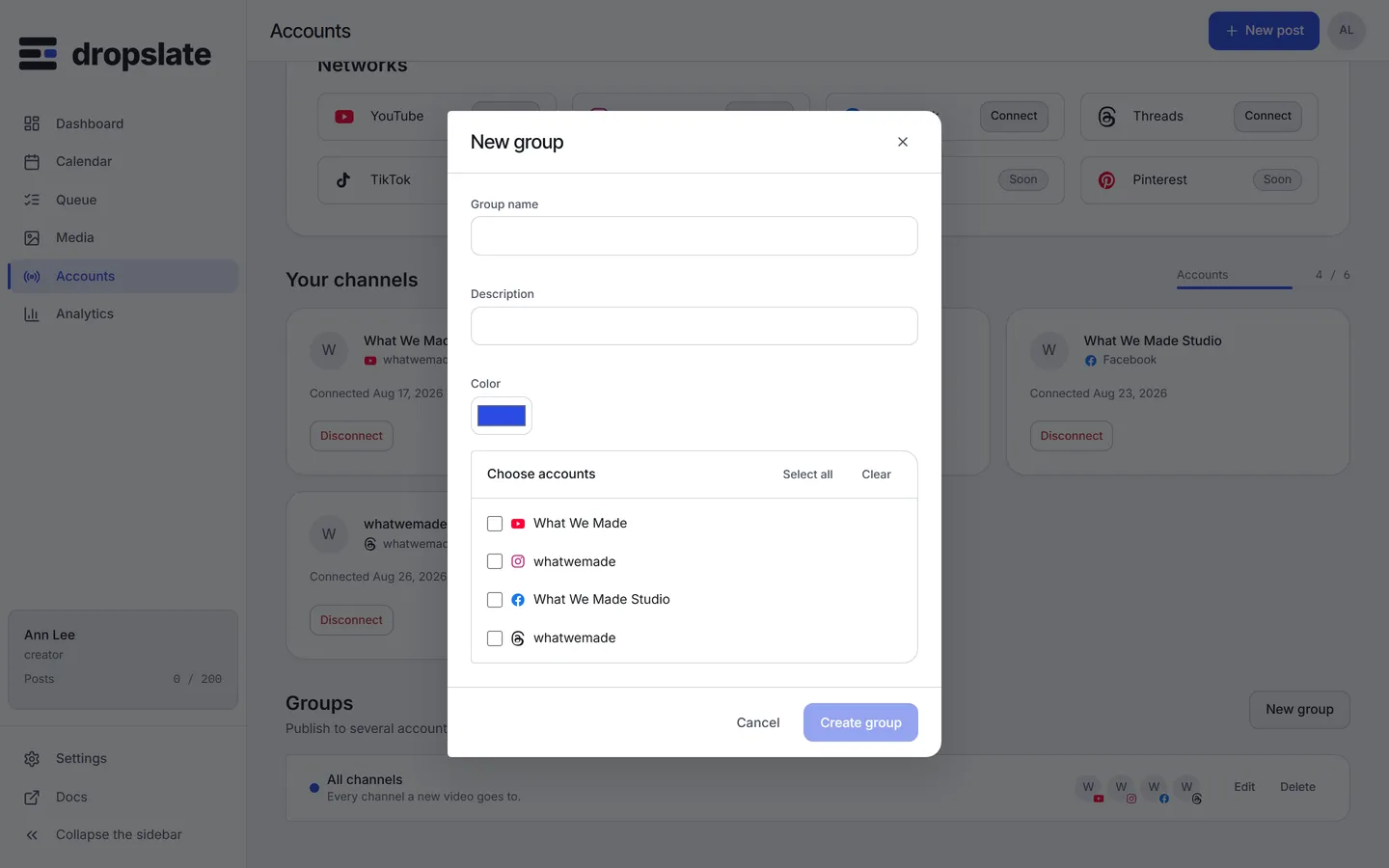
- A group’s colour is a label for you; it is not a network colour.
- One account can be in several groups.
- Meta lets you pick several Pages in one connect; each becomes its own account card.
- A network marked Soon has no connector yet; the TikTok page says what ships with it.
Related
Section titled “Related”- Choose your first network - what each network needs first.
- Groups & cross-posting - how a group expands into posts.
- Connection problems