

Settings
Settings sits at the foot of the sidebar and has a tab for each thing you configure: your own profile, the workspace and its members, billing, API keys, MCP connections and security. Accounts and groups are not here - they have their own page.
Profile
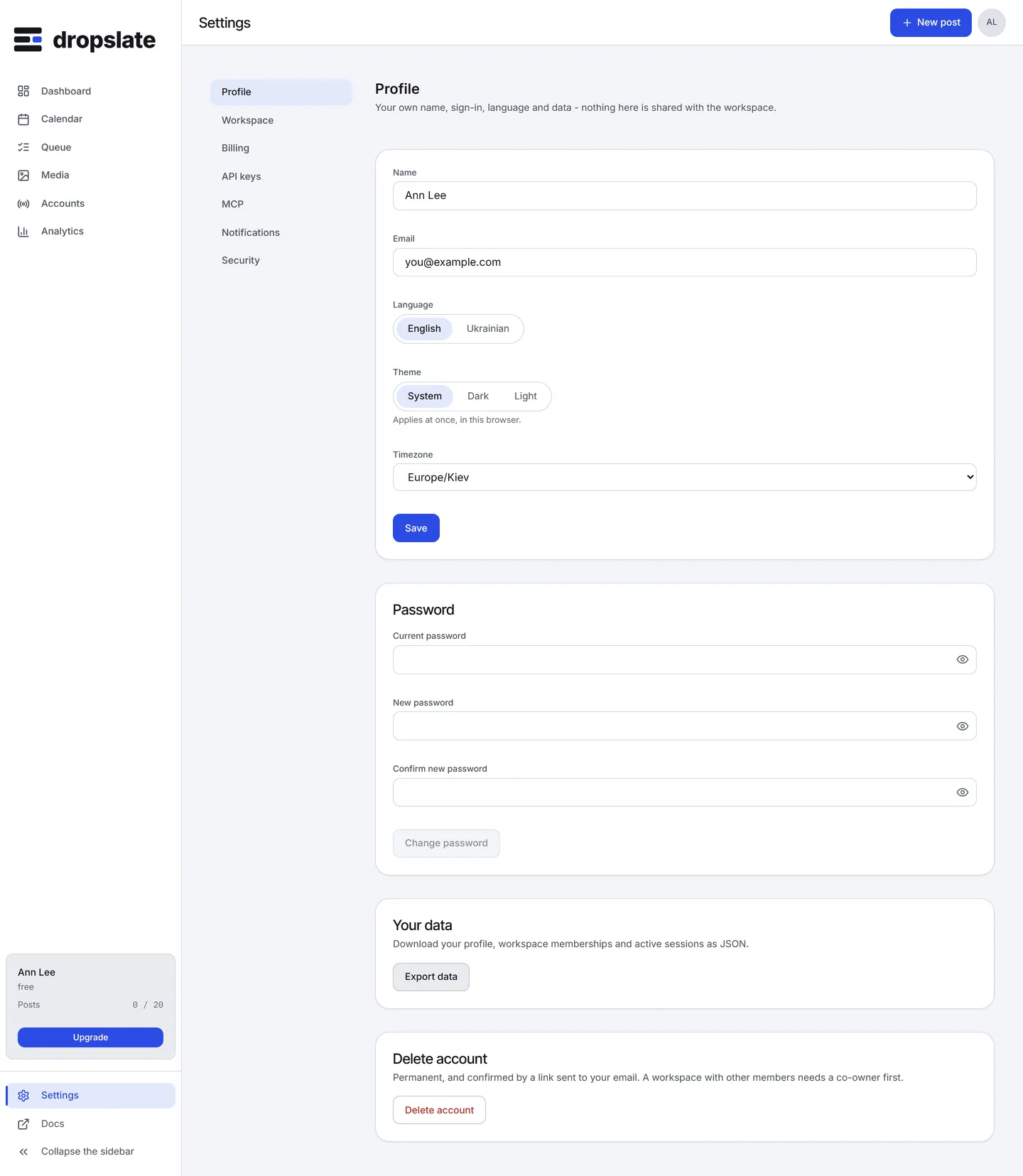
Section titled “Profile”Your name, email, Language (English or Ukrainian), Theme (System, Light, Dark) and Timezone for your own display; the workspace has its own time zone for posts. Below: Password (change it, or set one if you signed in with Google), Your data (export your profile, memberships and sessions as JSON) and Delete account (permanent, confirmed by an emailed link; a workspace with other members needs a co-owner first).
Workspace
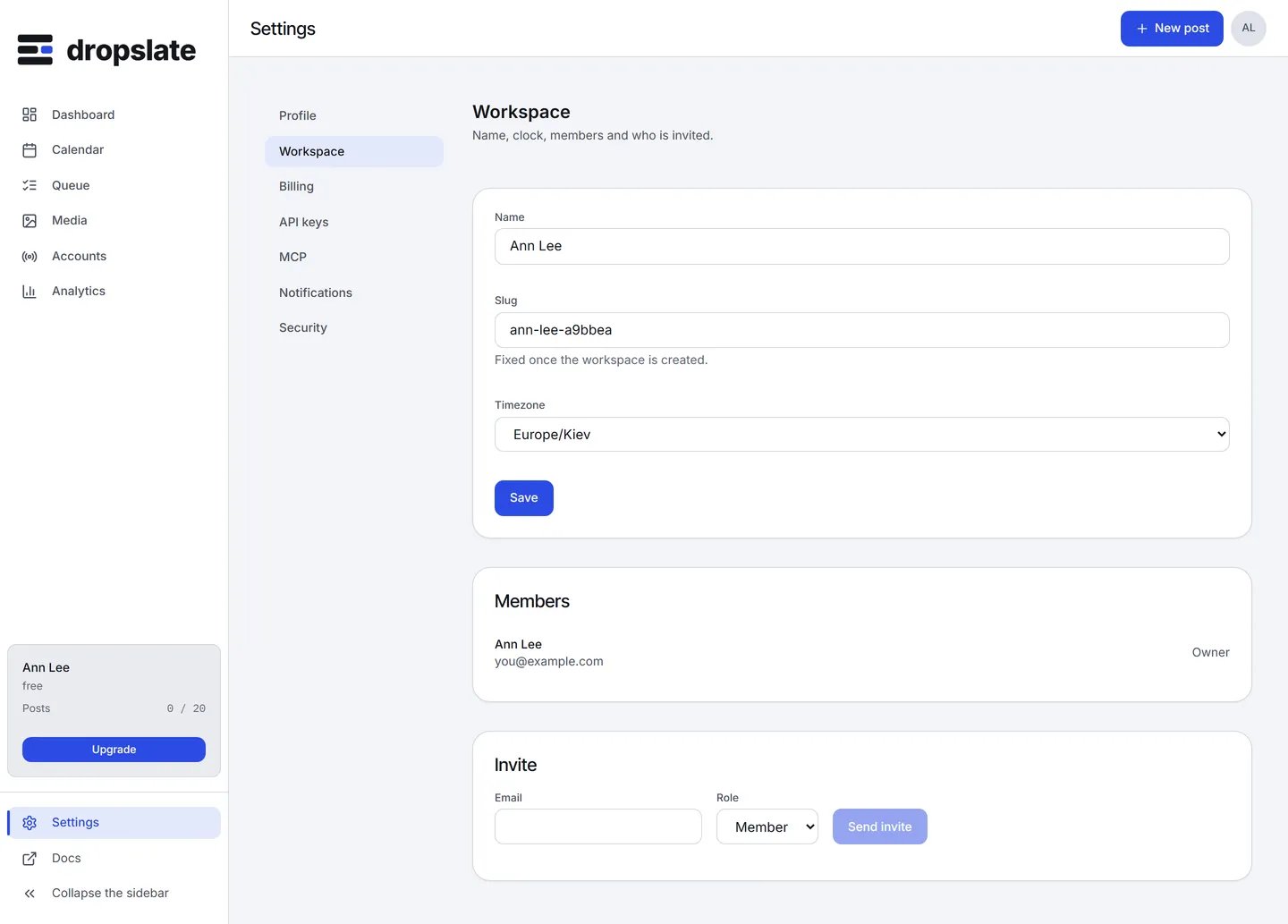
Section titled “Workspace”Name, Slug (fixed once created), Timezone - the clock every post’s time is written in, see Time zones - and Members with a role for each (Owner, Admin, Member), Remove, and Invite by email. Members & roles.
Billing
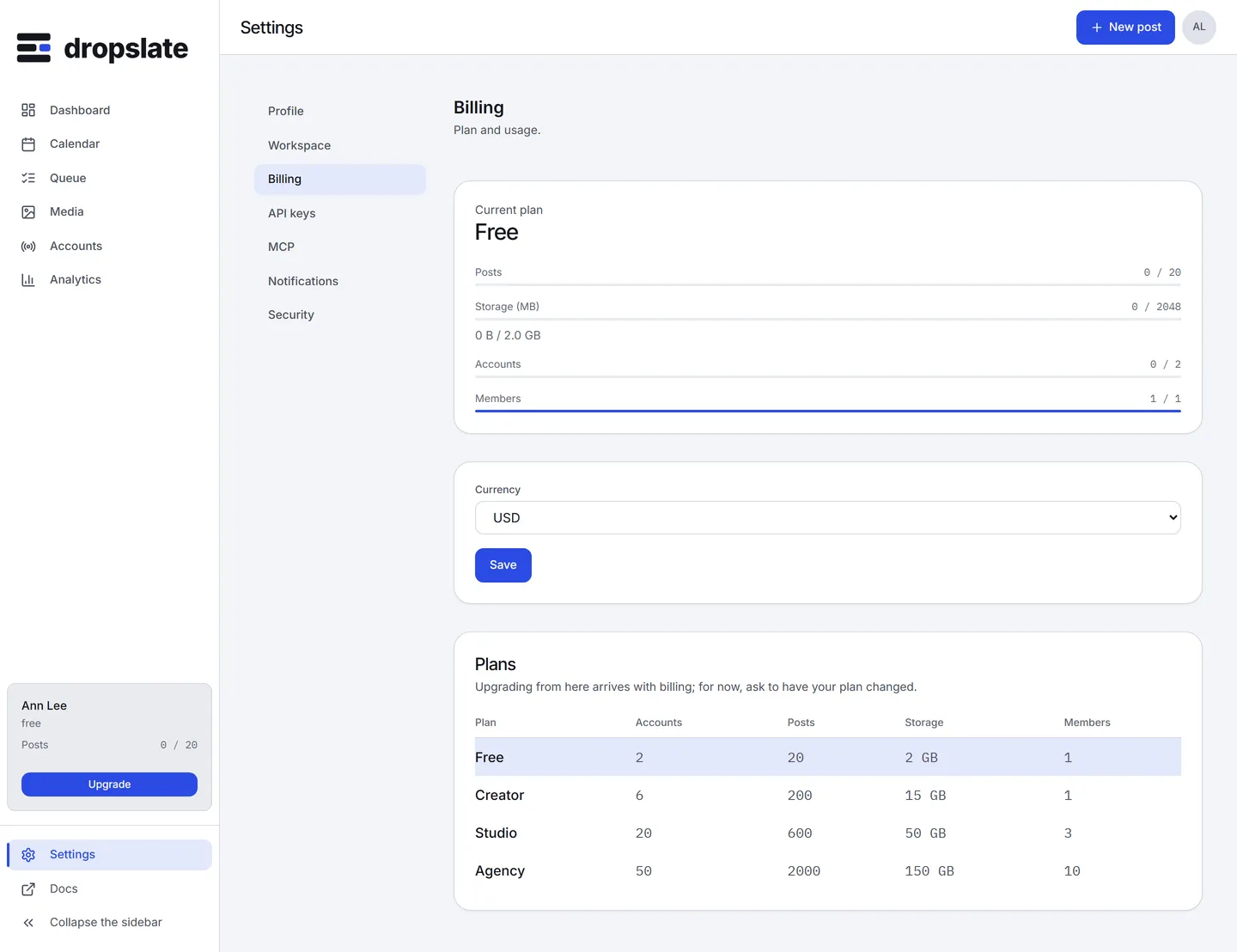
Section titled “Billing”Current plan, this month’s Posts, Storage, Accounts and Members against the plan’s limits, Currency (USD or UAH), and the Plans table. Checkout is not wired up yet, so the page reads: changing the plan from here arrives with billing. Subscription and Plans & pricing.
API keys
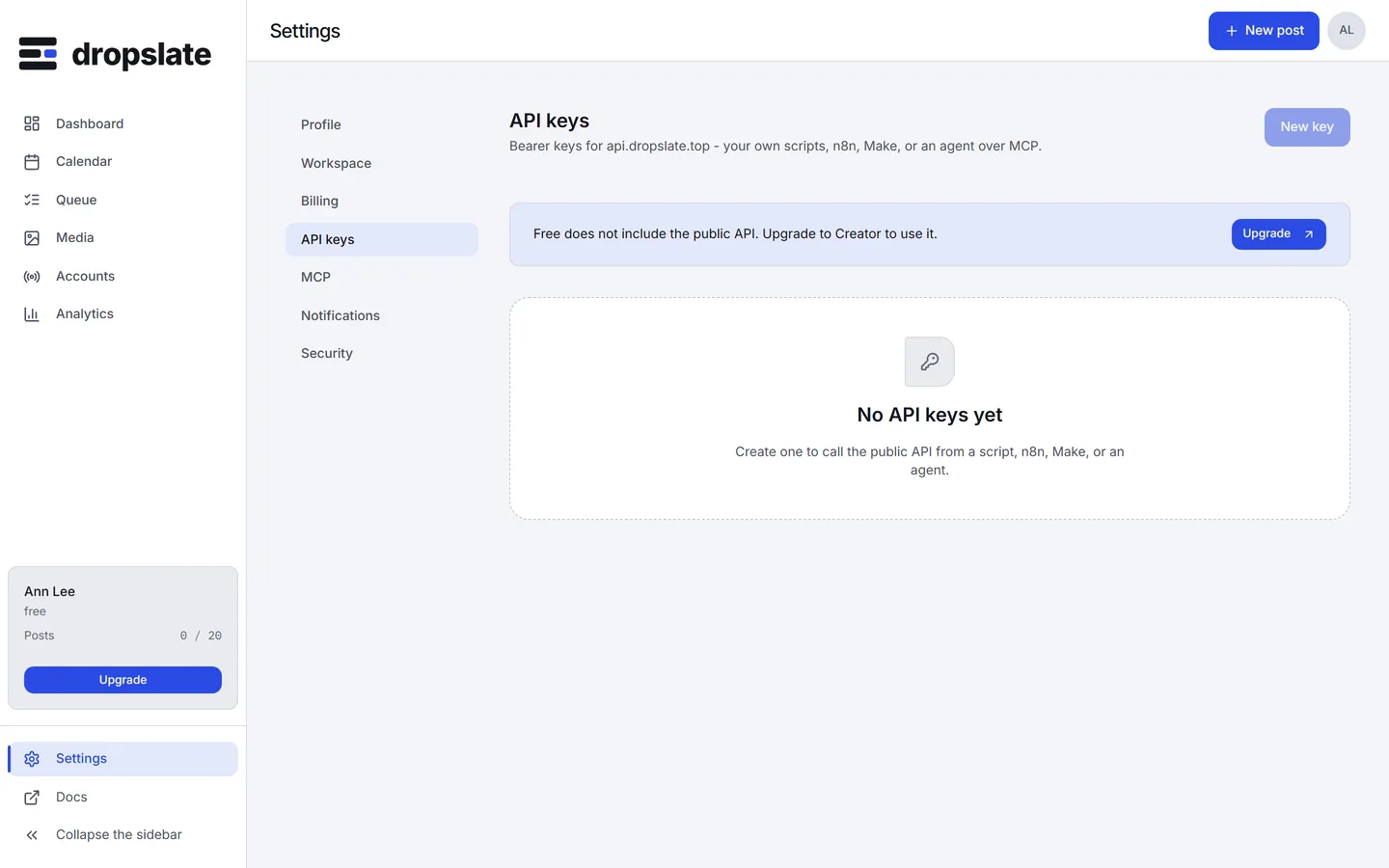
Section titled “API keys”Bearer keys for api.dropslate.top: New key with a name and Allow creating and publishing posts (off makes a read-only key), the list with each key’s prefix, scope and last use, and Revoke. The full key is shown once, right after creation. API keys.
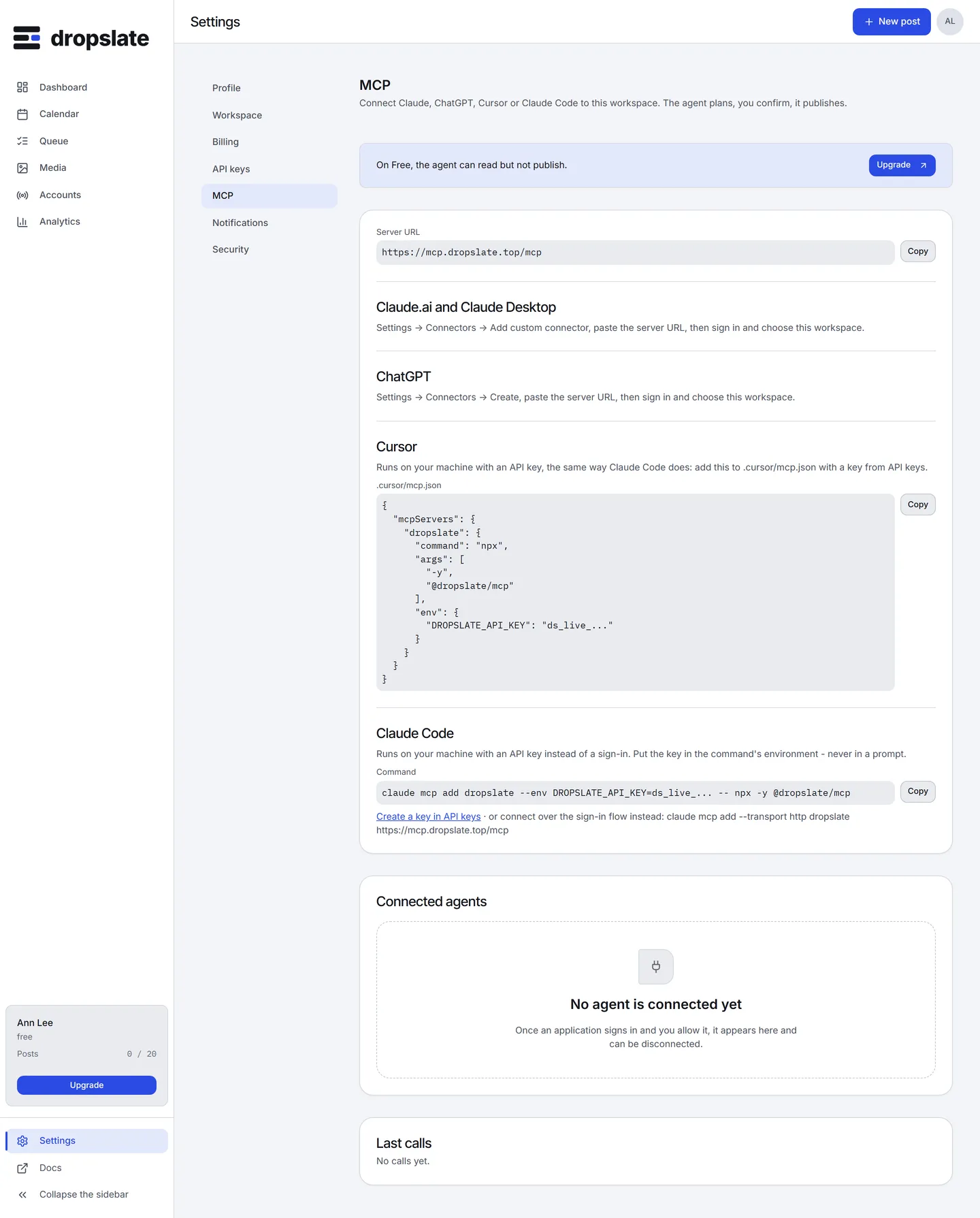
The Server URL (https://mcp.dropslate.top/mcp), the steps for Claude.ai and Claude Desktop, ChatGPT, Cursor and Claude Code with a copyable command, the Connected agents with Disconnect, and the Last calls - the most recent 20 tool calls with the client, the tool and the result. Connect an AI agent.
Security
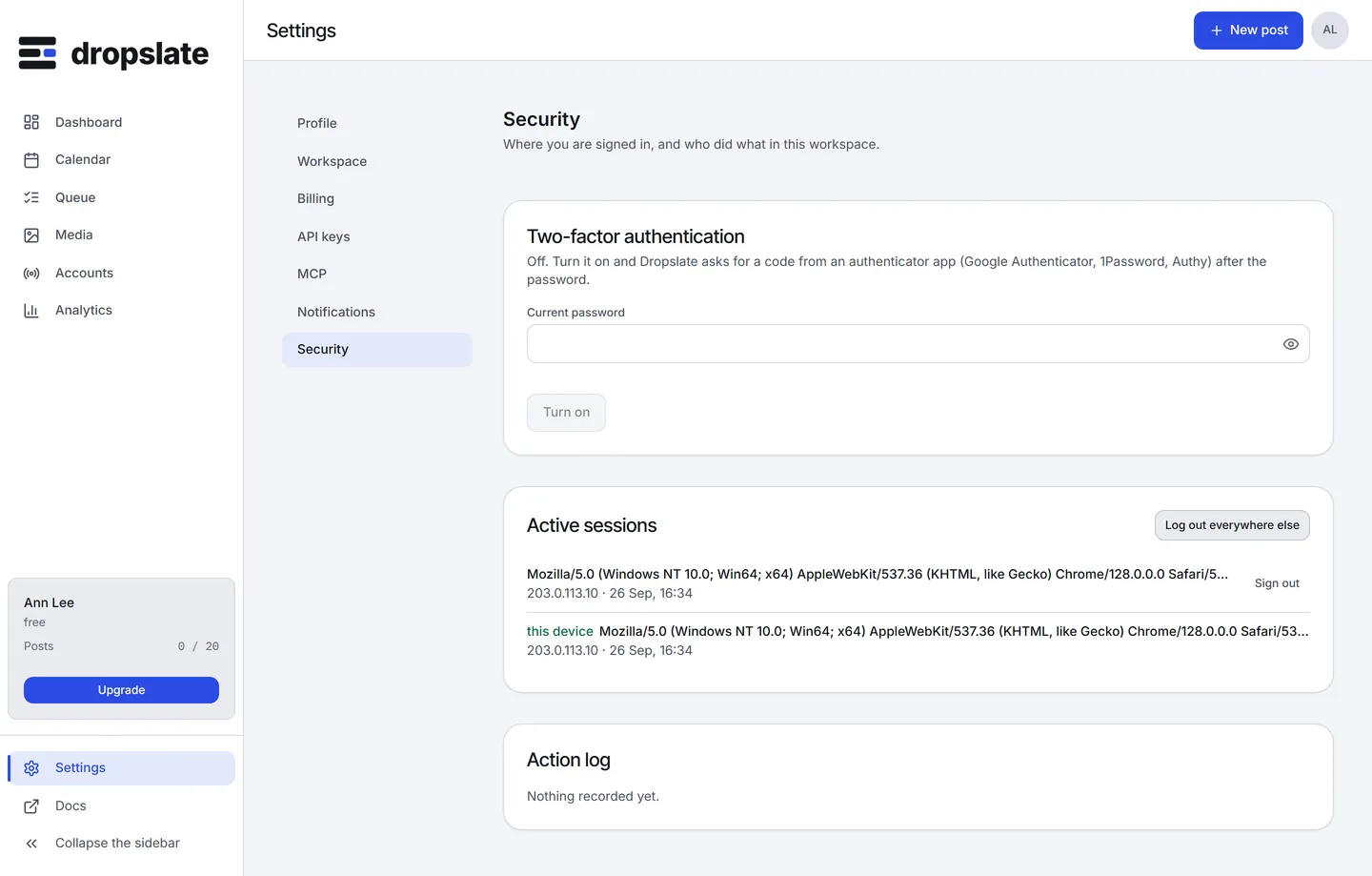
Section titled “Security”Active sessions - every device signed in to your account, with Sign out per session and Log out everywhere else - and the workspace’s Action log: who connected an account, created or cancelled a post, made a key, called a tool over MCP. Two-factor sign-in is set up here. An owner or admin reads the log; a member sees only their own sessions.
Actions
Section titled “Actions”| Action | Where | What happens |
|---|---|---|
| Change language, theme or time zone | Profile | Applies to your own view at once; posts keep the workspace’s zone. |
| Invite | Workspace | An email with a link; the person joins with the chosen role. |
| New key / Revoke | API keys | A key is shown once; revoking stops it on its next request. |
| Disconnect | MCP | The agent loses access on its next call. |
| Log out everywhere else | Security | Ends every other session of your account. |