

Retention
What this is
Section titled “What this is”Once a post is live, the network holds its own copy of the file. Dropslate keeps the bytes for 72 hours after the post goes live - enough to repost or duplicate without uploading again - and then removes them from the server. The rule is the same on every plan.
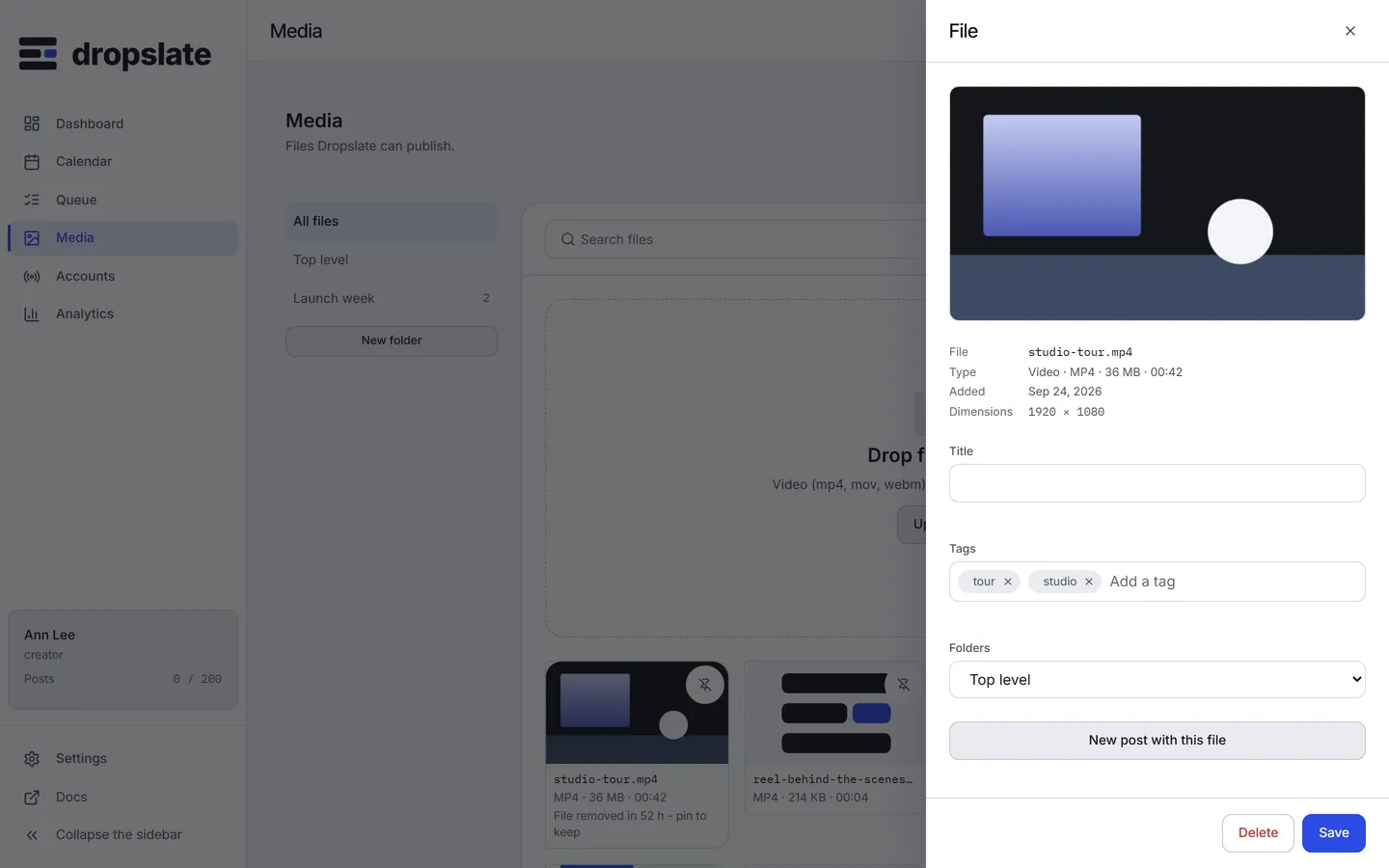
The library keeps the record: the file’s name, size, duration and a “removed after publishing” mark, so you can still see what was published. The removed bytes stop counting against your plan’s storage.
What is kept
Section titled “What is kept”- A pinned file - pinning is the deliberate “keep this”.
- A file that a draft or a queued post still uses - it has not gone everywhere yet.
- An unpublished file - only a post going live starts the 72-hour clock.
An hourly job removes the bytes of every other published file older than 72 hours.
Pin a file
Section titled “Pin a file”In Media, press the pin on the file’s card. A pinned file is skipped by the hourly pass until unpinned; it still counts against your plan’s storage limit.
Common errors
Section titled “Common errors”| Error | Cause | Fix |
|---|---|---|
| A file shows “removed after publishing” | Its post went live more than 72 hours ago and the file was not pinned. | Pin files you want to reuse before the 72 hours pass, or upload the file again. |
quota_exceeded on upload |
Storage limit already reached - pinned or not, every file still on the server counts against it. | Delete or unpin files you no longer need, or upgrade - see Plans & limits. |