

Overview
What this is
Section titled “What this is”Dropslate has two MCP servers exposing the same 22 tools - the 19 of docs/08_SPEC_CLAUDE_CODE.md §6.3 and three for analytics:
- Remote -
https://mcp.dropslate.top/mcp(Streamable HTTP). The client signs in through OAuth 2.1: Claude.ai, Claude Desktop, ChatGPT, Cursor, Claude Code (--transport http). No API key needed - you sign in to Dropslate in the browser and pick a workspace on the consent screen. - stdio -
npx -y @dropslate/mcpon your own machine, withDROPSLATE_API_KEY(Settings → API keys). For Claude Code and Cursor, when a key is more convenient than signing in.
Both are thin wrappers over the same REST API: every tool call is one call to /v1, so scopes, plan, quotas, limits and workspace isolation are identical either way - nothing is possible over MCP that isn’t already possible over the API with the same credential.
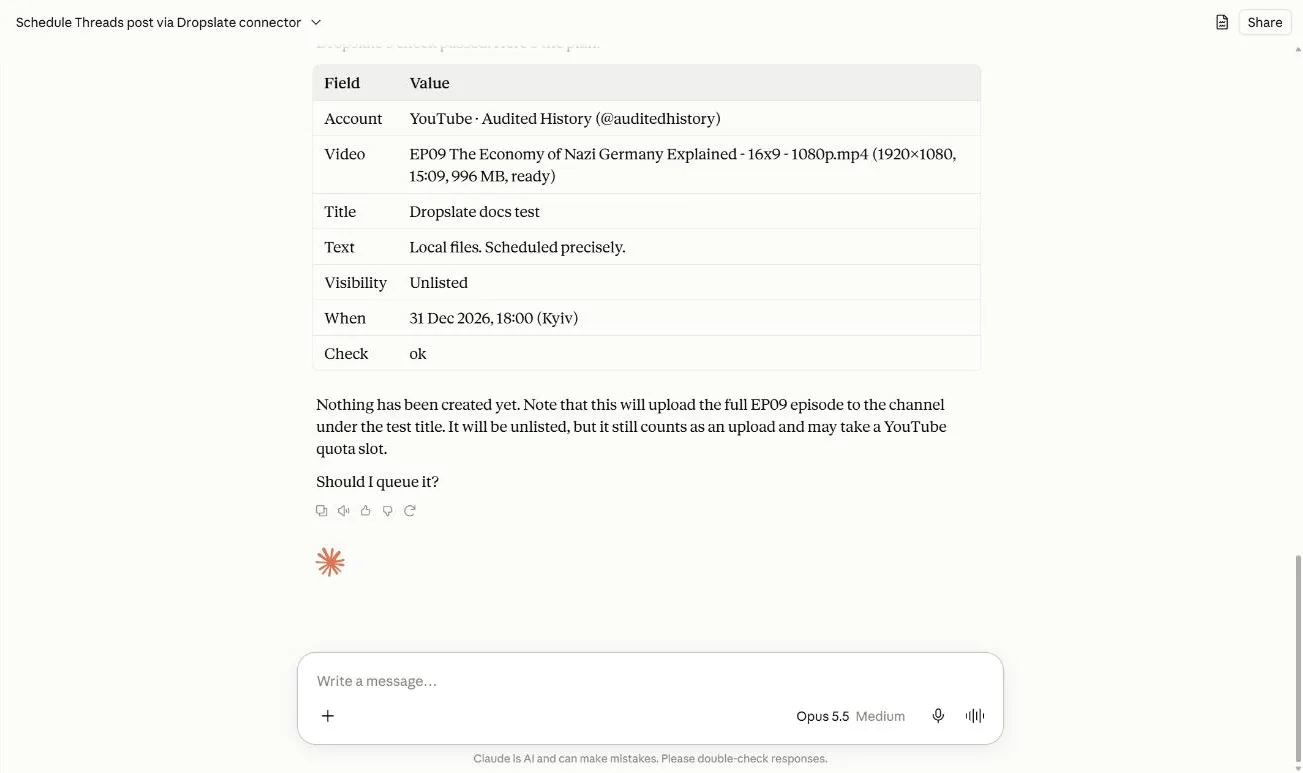
What an agent sees
Section titled “What an agent sees”Settings → MCP in the dashboard shows the server address, the exact command for each client, connected agents (with a disconnect action), and the last 20 calls.
tools/list is filtered by what the credential can do: a read-only key or a token with only the read scope sees the 9 read tools; the Free plan sees only those 9 too, even with write - on Free an agent can read but not publish. A direct call to a hidden tool is refused by the protocol itself; the same route through REST answers 403 insufficient_scope or 402 quota_exceeded.
Next: Connect Claude.ai, Connect Claude Code, Connect ChatGPT, Connect Cursor, or jump straight to the tools reference.